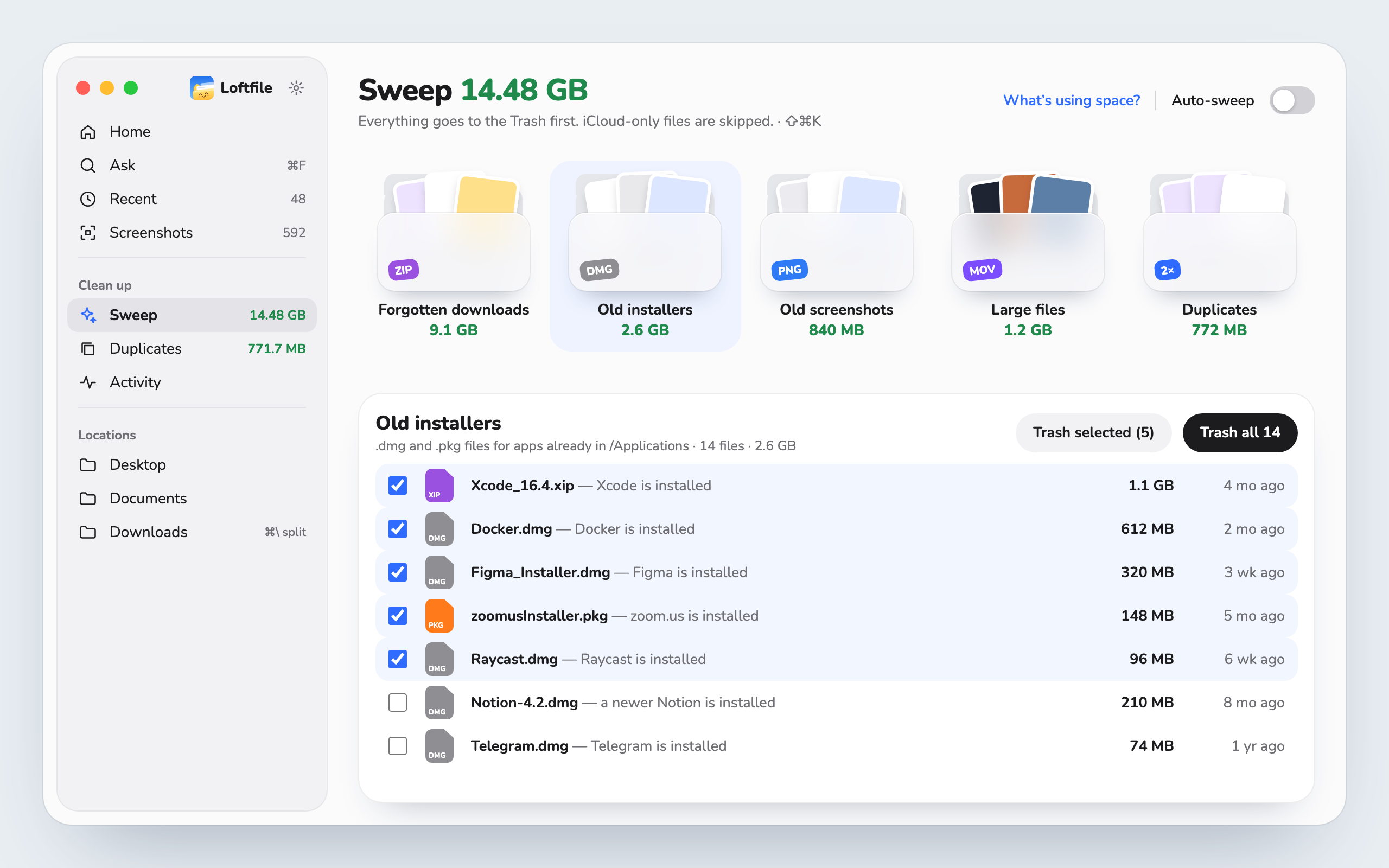
Sweep
Get gigabytes back in a few clicks.
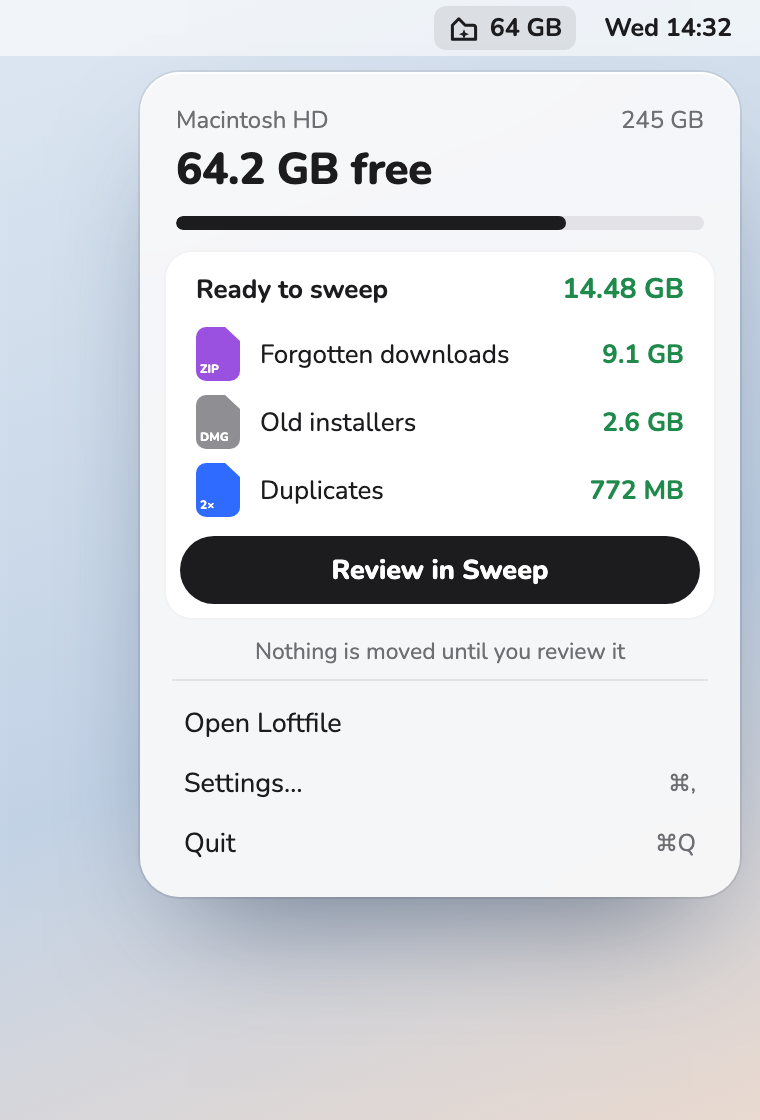
Forgotten downloads, installers for apps you already have, old screenshots and big files — sorted into piles you can review before anything moves.
Free up space and find any file — even the text inside screenshots. Free, private, made for the Mac.
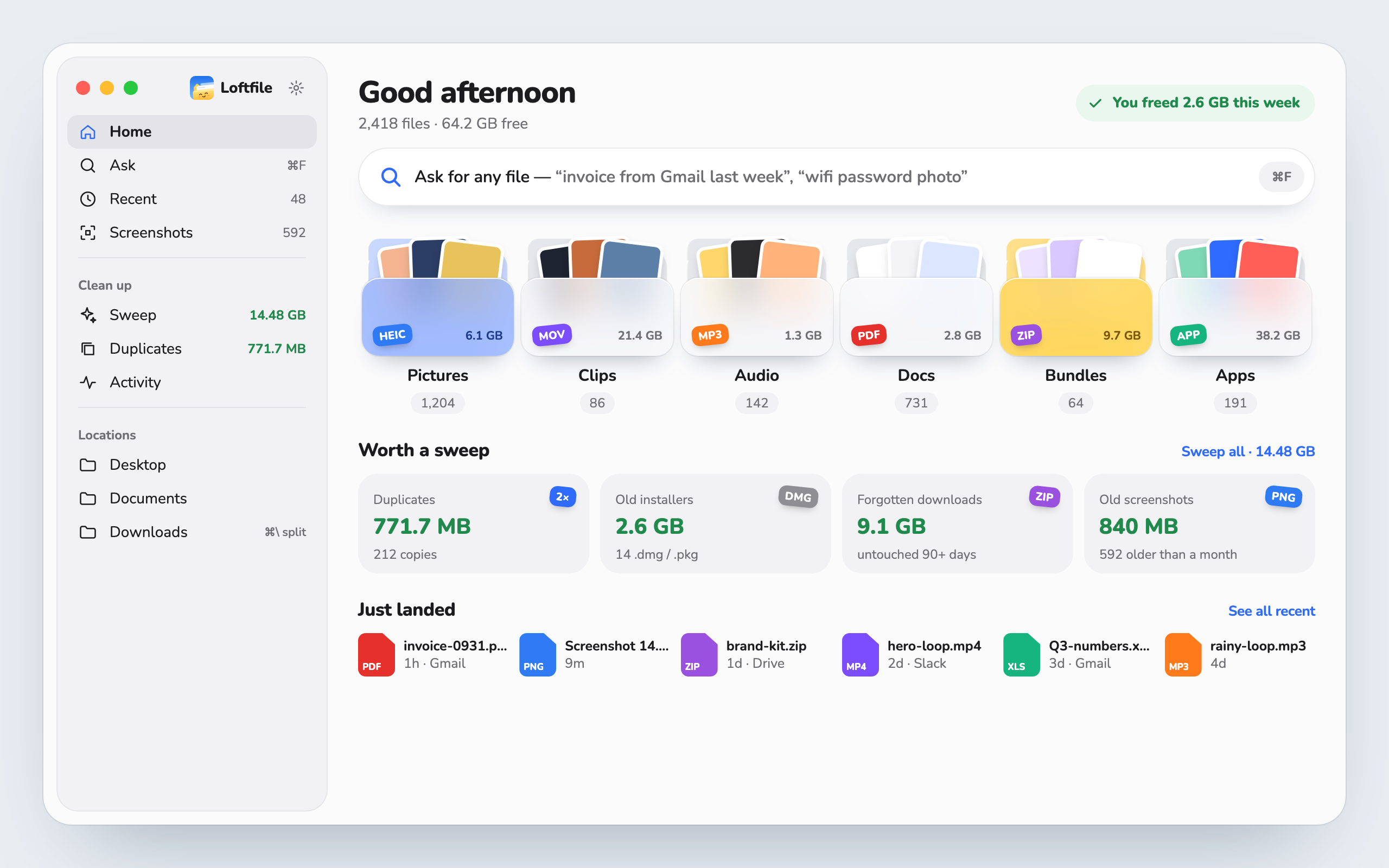
Downloads pile up. Screenshots multiply. Copies hide in three folders at once. Loftfile sorts what it finds and shows what’s safe to clear — nothing moves until you say so.
Forgotten downloads, installers for apps you already have, old screenshots and big files — sorted into piles you can review before anything moves.
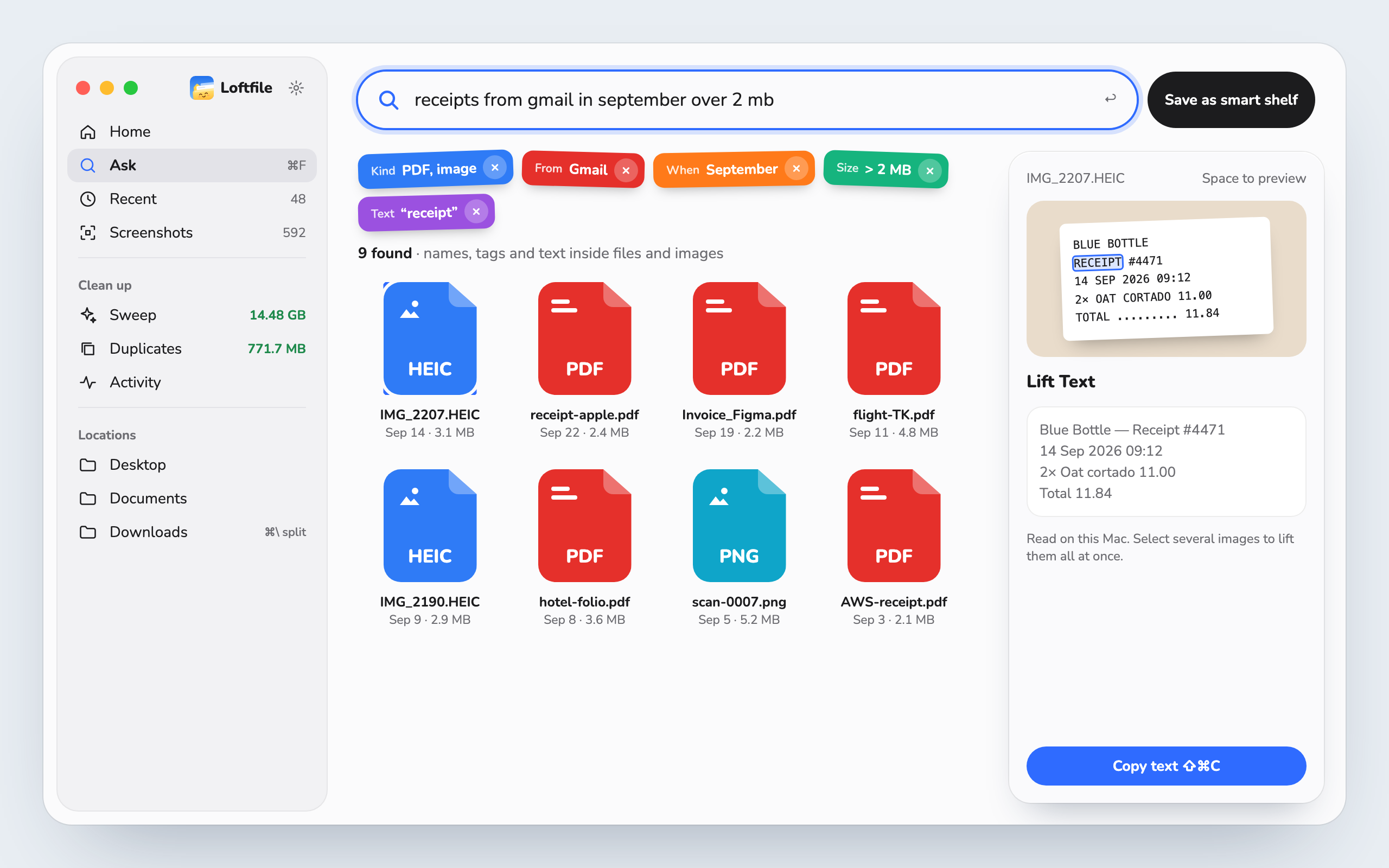
Kinds, dates, sizes and where a file came from become filters. Words are found in names and in the text inside images and PDFs.
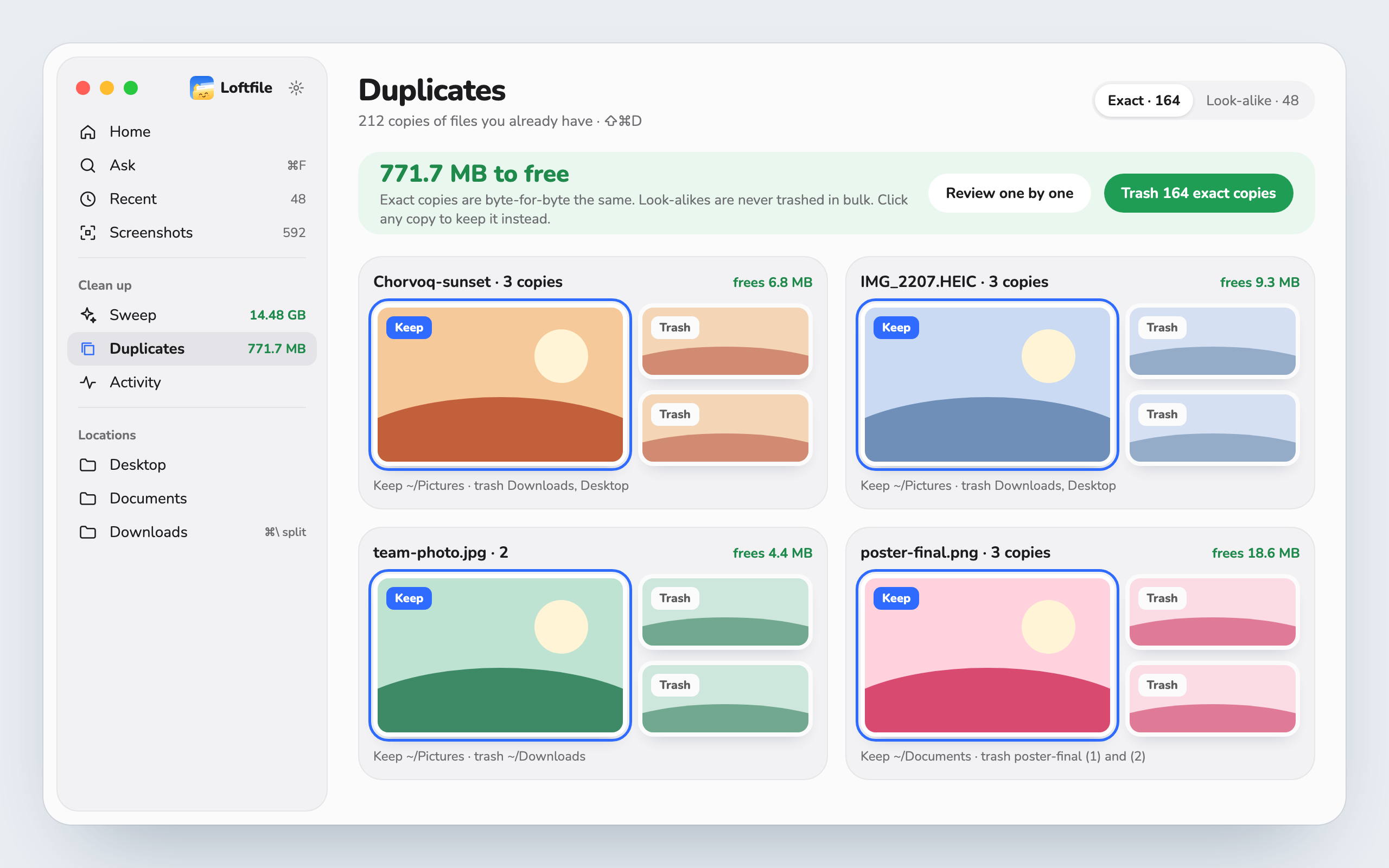
Finds byte-for-byte copies across your folders. You pick which one stays; the rest go to the Trash.
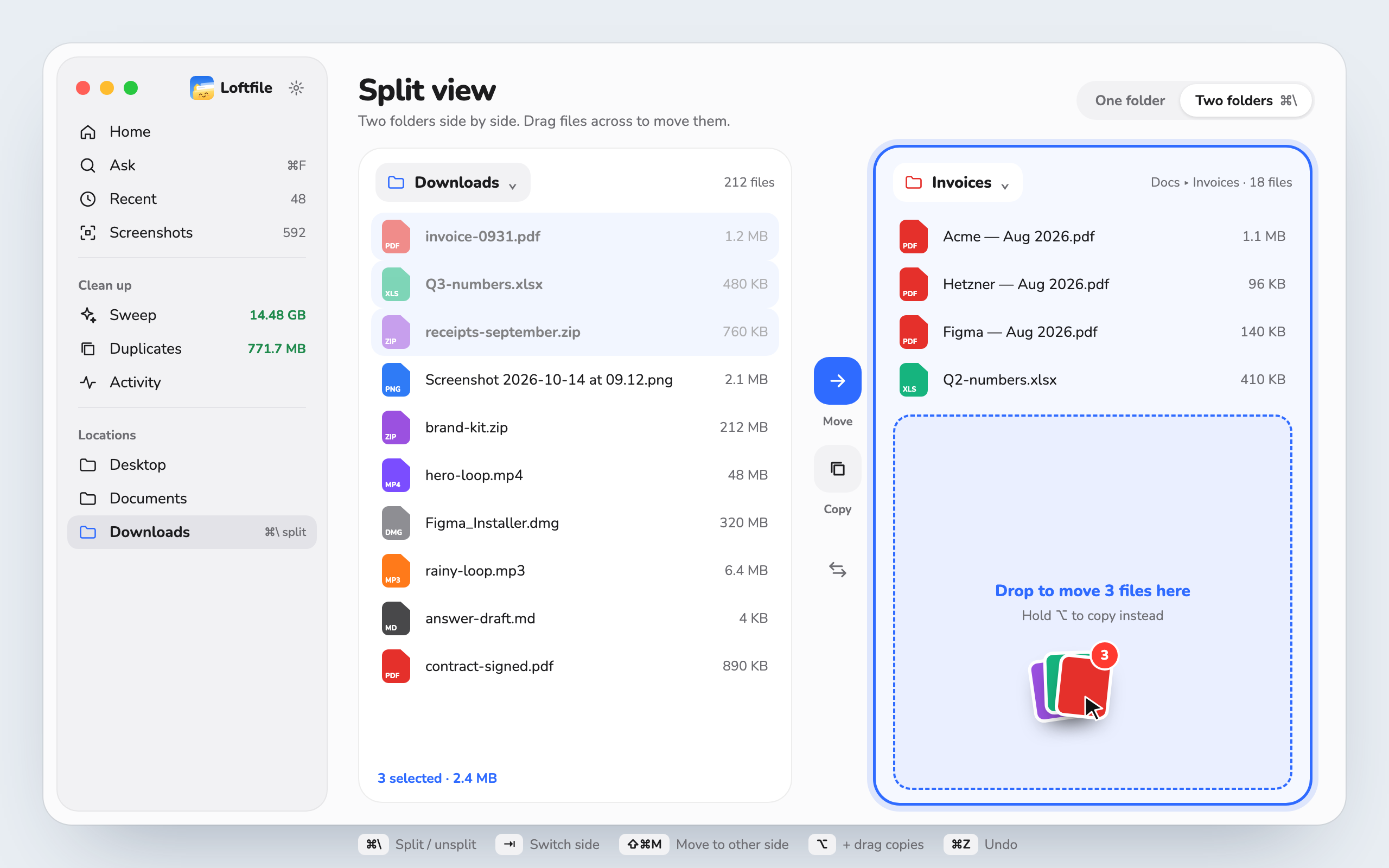
Two folders side by side — drag across, hold ⌥ to copy. Rename a pile of screenshots from the text inside them.
A small number next to the clock. It turns orange when your Mac is almost full, and one click opens Sweep.
Everything you clear goes to the Trash. ⌘Z or Activity puts it back.
Text in screenshots and PDFs is read with Apple’s own tools. Nothing is uploaded.
No sign-up, no license key, no tracking. Only update checks use the network.
Signed with a Developer ID and checked by Apple before it reaches you.
Yes. No trial, no account, no license key.
Your Desktop, Documents and Downloads — only after you allow each one. Text inside screenshots and PDFs is read on your Mac with Apple’s own tools. Nothing is uploaded.
Nothing is erased. Everything you clear goes to the Trash first, and ⌘Z or Activity puts it back in one click. Code projects and fresh installers are never picked for you.
macOS 14 Sonoma or later, on Apple silicon and Intel.
Loftfile checks for updates once a day and asks before installing. You can also choose Check for Updates… in the app menu.
Free. Takes a minute to set up.